For jewellery retail & Dhiran

Made for the way jewellers work.

From the first sale to the day's accounts. Give your jewellery shop—or your gold loan business—a clearer way to work.

Two focused products. Built around your business.

Illustrative workspace · figures shown are examples

The everyday essentials.
In one place.
01 Billing & GST02 Jewellery stock03 Customer records04 Reports
01 / JewelFlows Retail

Less switching.
More shopkeeping.

Your counter, stock room and accounts belong together. Keep the details of your jewellery business connected, from an item's arrival to its sale.

Create your Retail account
At the counter

A sale is more than a total.

Bring weight, purity, making charges and GST into your billing workflow. Keep the invoice and the customer's record close at hand.

A closer look at your bill
Jewellery detailsWeight & purity
Charges & taxMaking & GST
Customer recordLinked to the sale
A workflow illustration, not a tax invoice.
01

Know every piece.

Track jewellery by weight, purity, barcode and HUID details. Follow stock and purchases without losing the item-level view.

02

Keep customers close.

Find customer records, invoices and purchase history. Manage schemes, installments and repair work from their dedicated workspaces.

03

Close the day with clarity.

Bring cash-book entries, sales reports and exports into your daily review. Give staff access through roles and permissions.

Retail, wherever you work

At the counter.
On the move.

A wider view for your desk. Retail tools for your phone. Get a feel for JewelFlows on the devices you use every day.

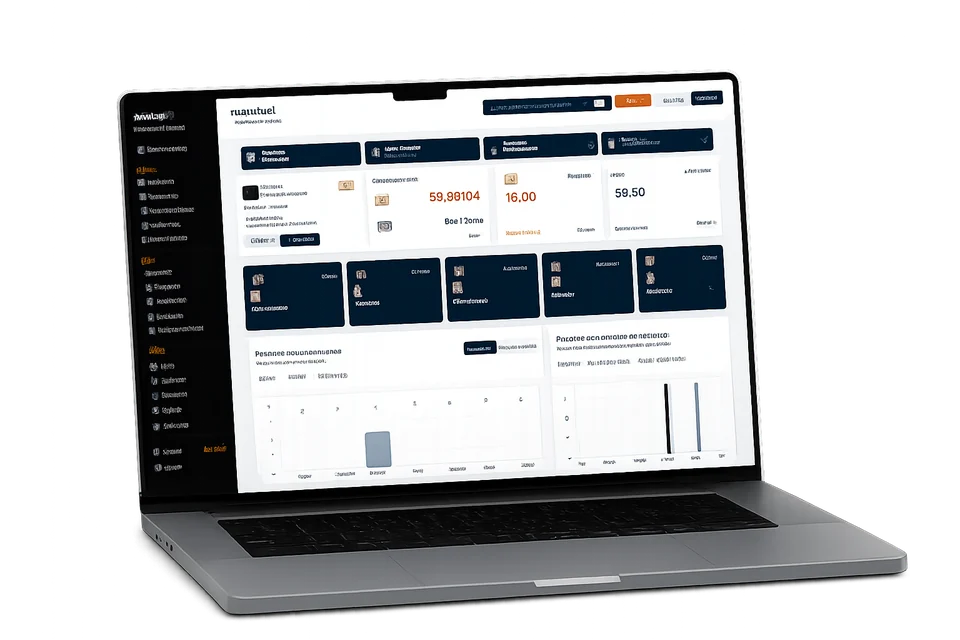
Laptop mockup illustrating the JewelFlows Retail dashboard

Your shop, in view.

Billing, inventory and reports in your browser.

Web
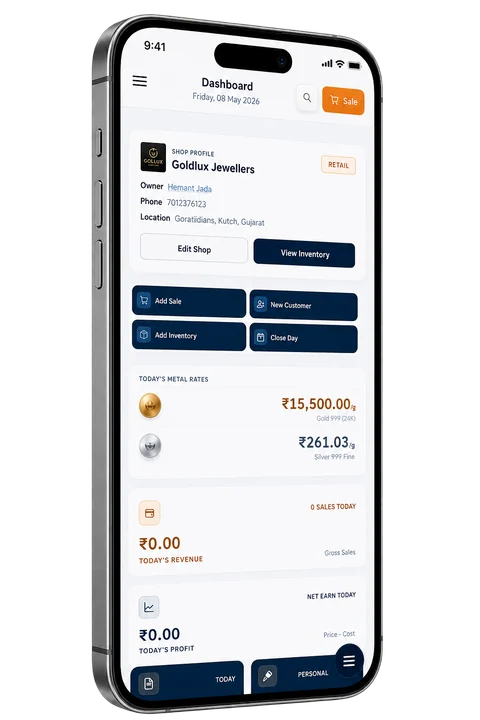
Phone mockup illustrating the JewelFlows Retail mobile dashboard

Your counter companion.

Stock lookup and Retail billing on your phone.

Android app

Product illustrations. Screen appearance may differ from the current app.

02 / JewelFlows Dhiran

Gold loans.
Every detail
accounted for.

A dedicated workspace for your gold loan business. Keep borrowers, pledged items, interest payments and loan closure records together.

Dhiran uses a separate account from Retail.

01

Record the loan.

Keep borrower details, pledged items and loan terms in a single record.

02

Follow each payment.

Track interest payments, repayments and outstanding loans. Find the receipts when you need them.

03

Complete the closure.

Record settlement and pledged-item release, with the loan's history close at hand.

Built for the everyday

Real work.
Less running around.

Software should fit your day. Find the record, finish the task, and get back to the person across the counter.

01 / At your desk

A connected workspace.

Open your business tools in the browser, with a dedicated place for each workflow.

02 / On the move

A Retail companion.

The Android app brings Retail tools to your phone, including stock lookup and billing.

03 / With your team

Access with a purpose.

Use staff roles and permissions to decide who can work with each part of your shop.

A few useful answers

Before you
get started.

Which product is right for my business?

Choose Retail for jewellery-shop billing, inventory, customers and accounts. Choose Dhiran for gold loan records, pledged items, payments and closures. You can use both with separate accounts.

I already use JewelFlows. Where do I log in?

Use Log in at the top of this page and choose your product. It stays visible as you scroll, including on a phone. Open Retail login.

Can I use JewelFlows on my phone?

The website adapts to smaller screens. Retail also has an Android companion app. Contact the team for the current app and setup guidance.

How do I create an account?

Use Register at the top of the page, choose Retail or Dhiran, and complete that product's registration. Each product has its own account and workspace.

Your business.
A better way to run it.

Choose the workspace that fits your day.